How video downloaders actually work
A short, honest technical explainer, what happens between "paste URL" and "file saved", and why the results differ from platform to platform.
1. A video page is just a page that points at a file
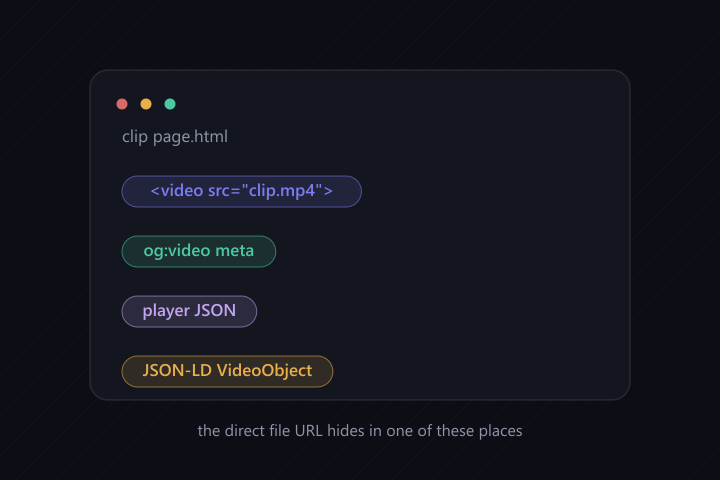
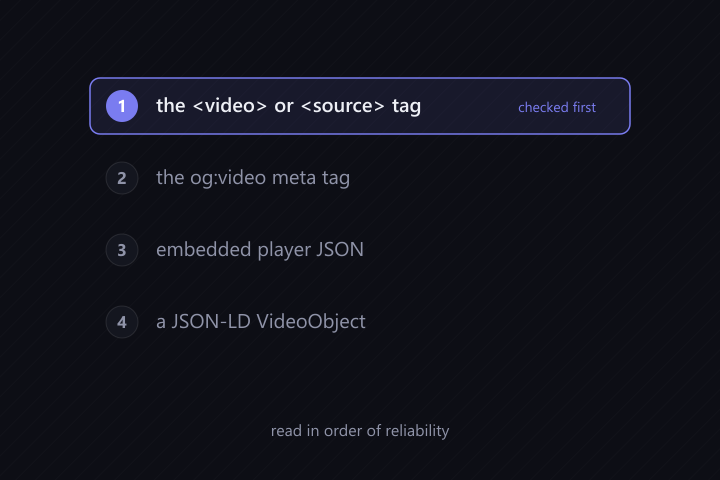
When a platform shows you a video, the player in your browser isn't displaying a file embedded in the page, it's fetching a separate file from a content delivery network (CDN), usually a direct .mp4 or .webm URL. The page's HTML typically reveals that URL in one of several places: a <video> or <source> tag, an og:video meta tag, a JSON block the player reads on load, or a JSON-LD VideoObject.
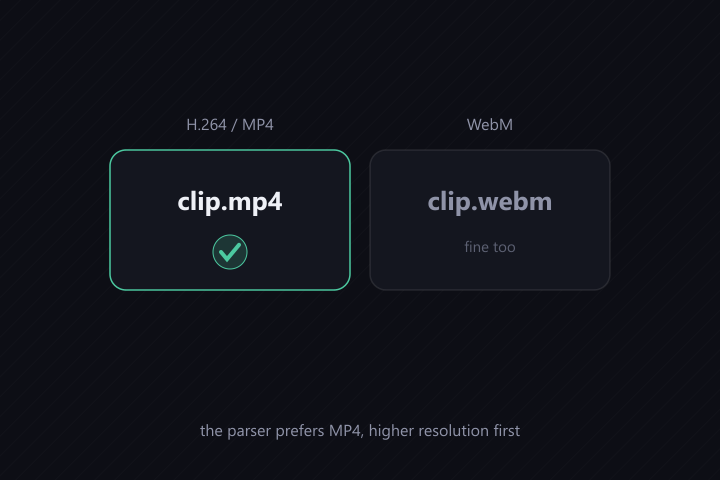
A downloader's first job is exactly this: fetch the public page, find the direct file URL, and hand it back. The downloader checks those locations in order of reliability and prefers the best format (MP4, higher resolution first).
2. Some CDNs check who's asking
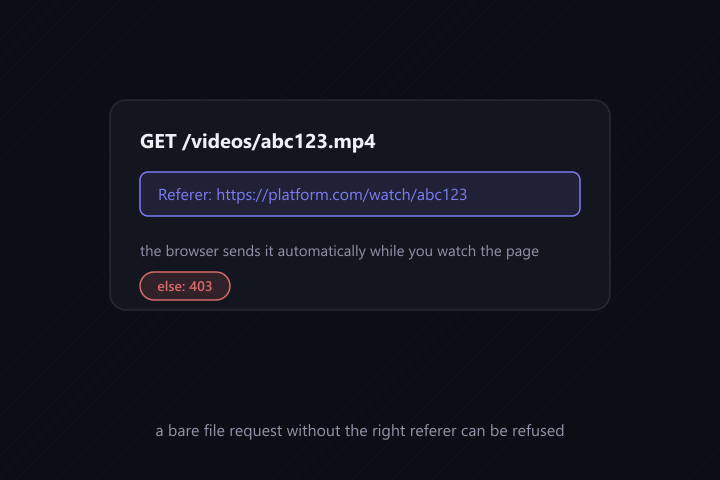
Many video CDNs refuse file requests that don't look like they came from their own site. They check the Referer (and sometimes Origin) header: a browser watching the page sends the page's origin automatically, so it works; a bare download of the file URL may not.
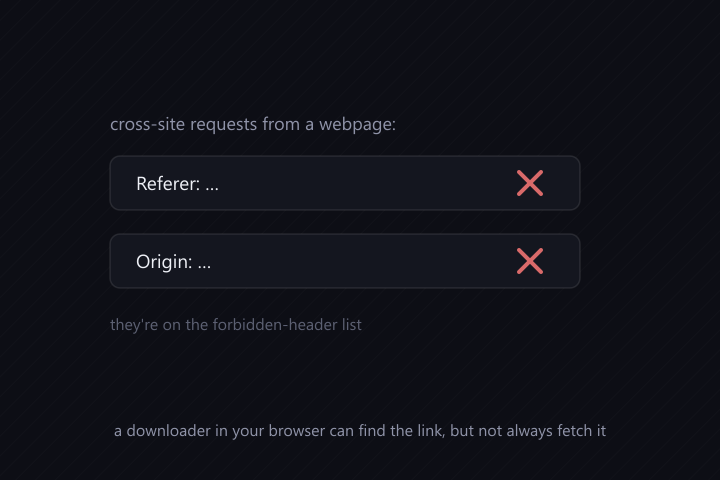
There's a browser rule that matters here: a webpage cannot set custom Referer or Origin headers on cross-site requests, they're on the forbidden-header list. So a downloader running in your browser can find the link but can't always attach the right headers to fetch the file.
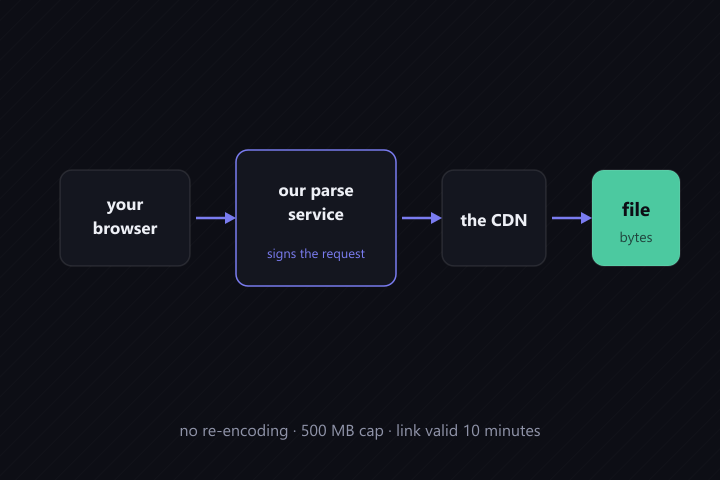
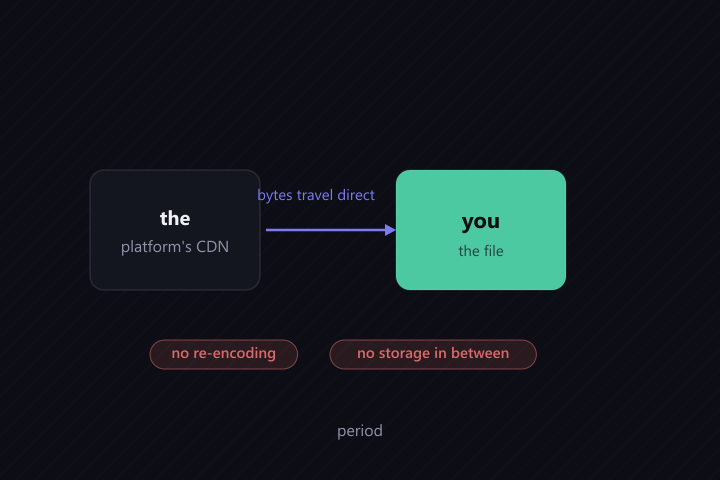
The downloader solves this with a small server-side stream route: your browser asks our parse service for the file, the service fetches it from the platform's CDN with the correct headers, and passes the bytes straight through to you (no re-encoding, capped at 500 MB, link valid for 10 minutes). The file still comes from the platform's own CDN, the service just signs the request.
3. Why some platforms work and others can't
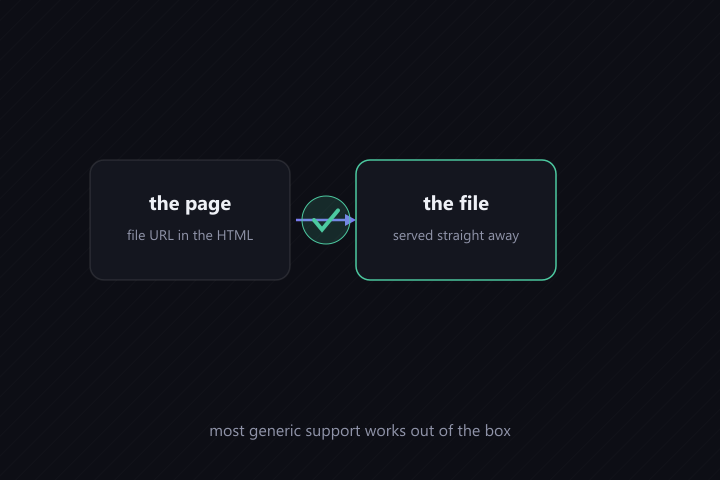
- Works out of the box, the direct file URL is in the served HTML and the CDN doesn't over-check headers. Most "generic" support falls here.
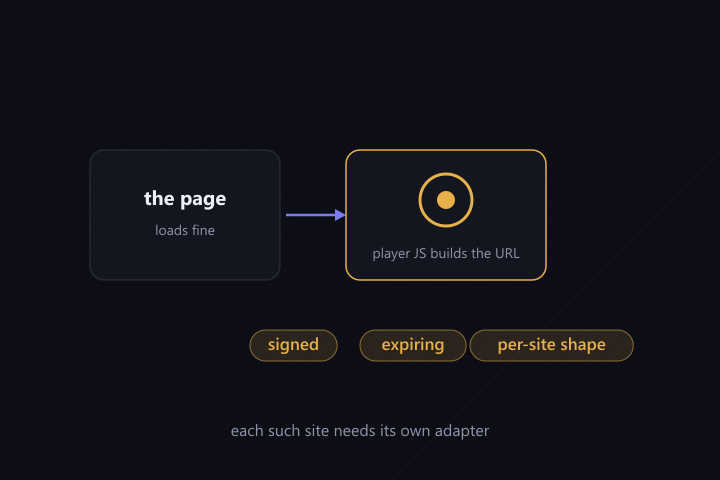
- Needs a per-site adapter, the page loads fine but the player URL is generated by JavaScript or is a signed, expiring URL with a specific shape. Each such site needs its own parsing logic.
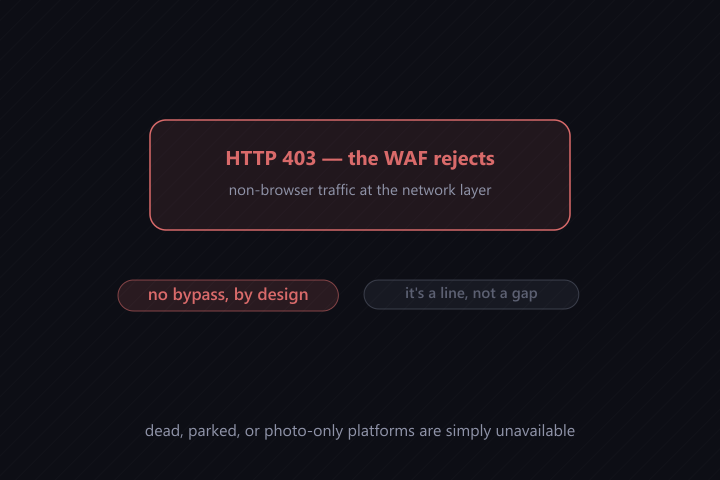
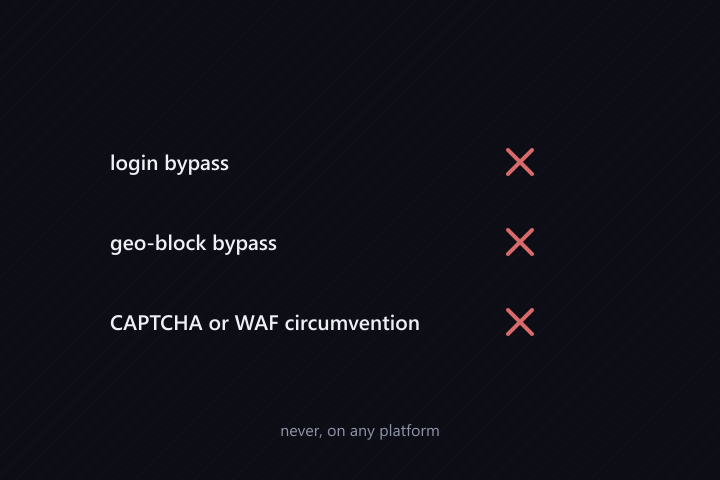
- Bot-walled, the platform rejects non-browser traffic at the network layer (HTTP 403 from a WAF). We do not circumvent that. It's not a skill gap; it's a line.
- Genuinely unavailable, the domain is dead or parked, or the platform is photo-only (no video to extract at all).
The status board shows every allowlisted platform in one of these states, with the measurement date, because an honest "no" is worth more than an optimistic checkmark.
4. What a downloader never does (by design)
- No login bypass, no geo-block bypass, no CAPTCHA or WAF circumvention.
- No hosting or re-encoding, the bytes travel from the platform's CDN to you, period.
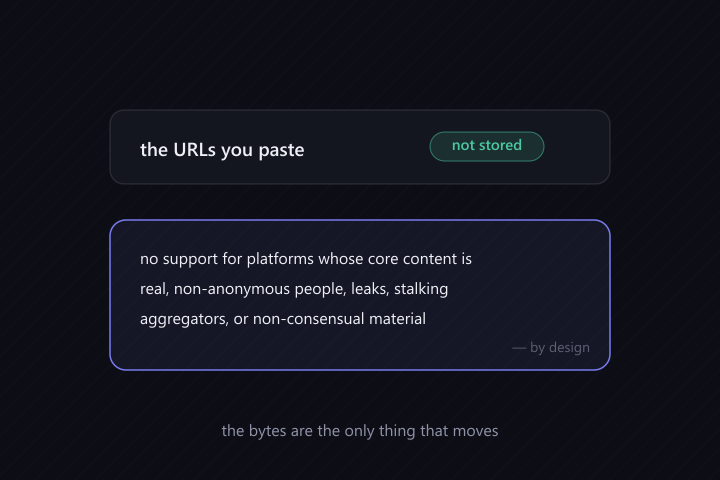
- No storage of the URLs you paste.
- No support for platforms whose core content is real, non-anonymous people, leaks, stalking aggregators, non-consensual material.
5. Formats and quality
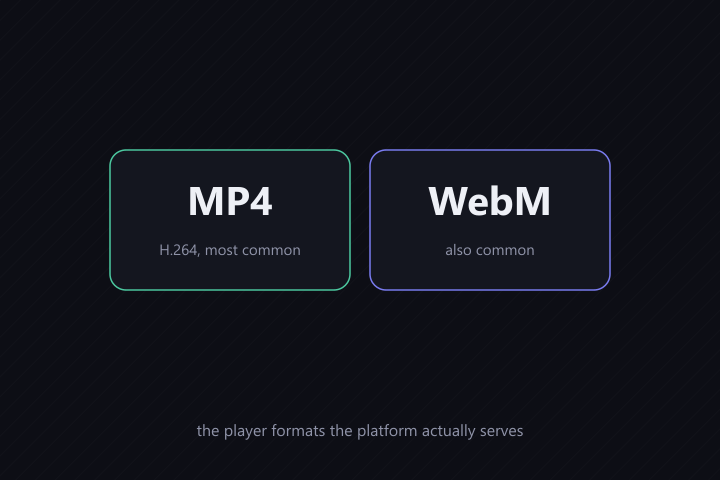
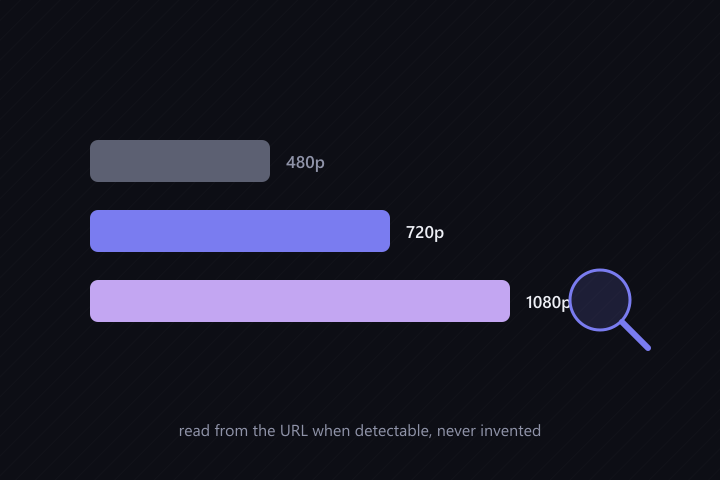
Most of these platforms serve H.264 MP4 (universally playable) and often WebM (smaller, VP9). Where the page exposes multiple qualities, the downloader reports what it found (480p/720p/1080p when detectable from the URL) and never invents a quality that isn't there. Some platforms serve only one quality; that's the platform's decision, not the downloader's.